
Passing federal screening starts with eligibility: confirm you fall within the area of selection, then build a résumé that explicitly demonstrates every essential qualification listed in the poster, using concrete, dated examples. Prepare an unformatted version for GC Jobs paste-in boxes, and make sure every date lines up with your security screening forms. Screening officers do not infer skills: you write to the checklist, or you get screened out before anyone reads further.
TL;DR:
- Check the poster’s area of selection first, then give every essential qualification a labeled, specific example using the poster’s wording; screeners do not infer skills.
- Prepare a plain text copy with dates in day, month, year format, remove formatting and special characters, and review the pasted result before submitting.
- Secret clearance requires ten continuous years of employment and residence; fill gaps with schooling or unemployment, and match dates and supervisors across forms.
- Maintain one master plain text résumé and reusable STAR answers, then track each submitted version and its dates to prevent later security screening discrepancies.
Table of Contents
- What to include in a federal résumé: required fields and formatting details
- GC Jobs and Priority Portal: paste-in and text-box best practices
- Mapping experience to merit: how to prove essential and asset qualifications
- Security screening and continuity: what to show in your résumé and questionnaire
- Common mistakes that get applicants screened out and a pre-submit checklist
- How Professional Resumes’ services help prepare a GC Jobs-ready federal application
- How to prioritize effort when applying to many federal postings
- Professional Resumes packages to prepare your federal application
- FAQ
- Sources
What to include in a federal résumé: required fields and formatting details
Federal résumés are structured documents built for verification, not persuasion. The Priority Administration résumé template sets out the required fields, and most departments expect the same baseline regardless of the hiring process.
Your work history needs a level of precision general résumés skip. Each entry should carry a job title, employer name, directorate or branch where relevant, city and province or country, start and end dates in day, month, year order, and a supervisor or contact field when the template calls for it. Education entries follow the same chronological logic, with institution, credential, and completion date.
- List address, education, and full work history with month and year for every start and end date, following the chronological order the template specifies.
- Spell out your job title and organization exactly as they appeared, since screeners cross-reference these against security forms later.
- State your official language proficiency level for each language where the poster requires it, rather than leaving it implied.
- Add volunteer or unpaid experience as a separate section only when it demonstrates an essential or asset qualification the paid roles do not cover.
Dates matter more here than in a private-sector résumé because they will be checked against your security screening package. A résumé that says “2019 to present” without a specific start date creates a gap a screening officer has to chase down, and that delay works against you, not for you.
GC Jobs and Priority Portal: paste-in and text-box best practices
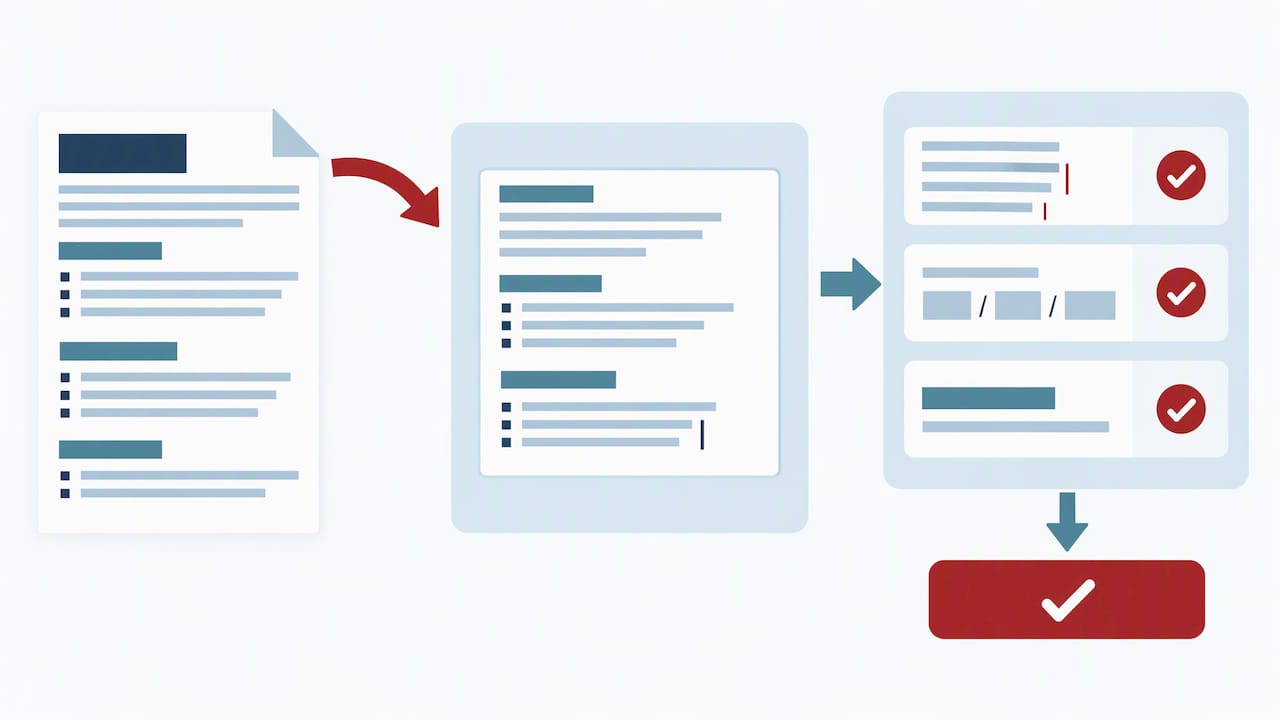
GC Jobs and the Priority Portal strip almost all formatting when you paste a résumé into their text boxes, which means the polished document you built in Word will arrive as a wall of broken characters unless you prepare a separate plain-text version first. The official guidance recommends building an unformatted résumé specifically for this purpose.
- Strip bullets, bold, underlines, and symbols from a copy of your résumé, replacing bullet points with simple line breaks or dashes typed as plain hyphens.
- Convert every date to day, month, year format (dd/mm/yyyy) so the entries match what security screening forms will later ask for.
- Remove special characters and tabs that word processors insert automatically, since these often render as question marks or boxes once pasted.
- Paste into a plain-text editor first to catch leftover formatting before you copy the clean version into the application portal.
- Save your screening question answers in a separate document before submitting, since text boxes can have limits up to 10,000 characters per field, and refreshing the page can erase unsaved work.
Pro Tip: Keep a master plain-text résumé file on hand at all times so you are never formatting under deadline pressure the night an application closes.
Once pasted, read the text box exactly as the system will submit it. Check that line breaks landed where you expect, dates display correctly, and no stray characters crept in near job titles or dates, since those are the fields screeners check first.
Mapping experience to merit: how to prove essential and asset qualifications
Essential qualifications are pass or fail. Asset qualifications are not. The Public Service Commission’s guidance on the Public Service Employment Act confirms that essential criteria, including education, experience, and official language proficiency, form a mandatory threshold, while assets are used only to narrow a field that already meets the bar.
This distinction should shape how you read every poster. Each essential qualification needs its own clearly labelled example in your résumé or screening answers, built around where you did the work, when it happened, and how you did it.
- Pull exact keywords from the qualification statement and use them in your answer, since screeners are often matching language, not interpreting intent.
- Address every element when a question uses “and” rather than answering only the part that is easiest to prove.
- Provide at least one matching example when a question uses “or”, choosing the experience you can document most specifically.
- Quantify outcomes where the role calls for it, such as team size managed, budget overseen, or files processed per month.
The most common cause of screen-out is failing to demonstrate an essential qualification explicitly, according to official application guidance, which notes that hiring managers will not infer skills from job titles alone.
A compact example: for “experience leading a team through organizational change,” a strong answer names the team size, states the eighteen-month window, and describes the specific change managed, closing with the measurable result, rather than describing leadership in general terms.
Security screening and continuity: what to show in your résumé and questionnaire
Security screening runs on continuity, and your résumé needs to support it rather than contradict it. Guidance on completing the security clearance form confirms that secret-level clearance requires a continuous ten-year employment and residence history, with reliability-status timelines differing by clearance level.
Treat the security form as a second résumé that must match your application exactly, since any discrepancy between dates becomes a practical source of delay rather than a minor inconsistency.
- List schooling as a line item when it fills a gap, since unemployment or study periods still need to appear on a continuous timeline.
- Use “unemployed” with specific dates where applicable, rather than leaving the period blank or folding it into an adjacent job.
- Match supervisor names and contact details between your résumé and your security forms, since mismatches trigger follow-up requests.
- Gather supporting documents for foreign employment or travel, such as police clearances or references, before you are asked for them.
If you have worked or lived outside Canada for extended periods, expect that portion of screening to take longer, since verifying foreign residence and employment typically adds processing time on top of the standard review. Building your security clearance résumé with this continuity in mind from the start avoids a second round of corrections later.
Common mistakes that get applicants screened out and a pre-submit checklist
Most rejections happen before a human ever evaluates your qualifications, and they share a small number of causes. Applying outside the stated area of selection is one of the most common, since external advertised processes typically require a specific geographic, organizational, or occupational eligibility that rejects ineligible applications automatically, before qualifications are ever reviewed.
Beyond eligibility, the recurring failures are formatting losses from skipping the plain-text conversion, vague dates that create unexplained gaps, and screening answers that describe general experience instead of addressing the exact qualification wording.
- Confirm you meet the area of selection stated in the poster before you invest time on the rest of the application.
- Reread each essential qualification and confirm your résumé or screening answers name a specific example for every one.
- Check that every date uses day, month, year format and matches across your résumé, screening answers, and security forms.
- Paste your final résumé into a plain-text editor to catch leftover bullets, symbols, or broken characters.
- Save a copy of your screening answers externally before you submit, in case the portal times out or refreshes.
How Professional Resumes’ services help prepare a GC Jobs-ready federal application
We build federal résumés following a checklist: eligibility first, essential qualifications mapped explicitly, and a plain-text version ready for paste-in. Our Government & Public Sector Resumes service works through a consultation to identify your essential and asset qualifications, drafts a tailored résumé around them, and carries you through revisions before delivering a GC Jobs-ready export.
Product fit depends on career stage and complexity. Our Executive Resume suits senior leaders presenting P&L ownership or transformation-led mandates against demanding merit criteria, while our Advanced Resume fits mid-career applicants consolidating several roles into a single, screening-ready history. The Executive Package Deal combines résumé, cover letter, and LinkedIn optimization for high-stakes senior searches where every document needs to carry the same evidence.
- A consultation establishes your essential qualifications before any drafting begins, so nothing gets missed.
- Tailored drafting maps each qualification to a specific example, written the way screeners expect to see it.
- Plain-text export removes the formatting risk that causes paste-in errors on GC Jobs.
Pro Tip: If you want to build your first federal résumé yourself, our ATS-friendly résumé guide and general résumé writing guide are worth reading before you book a consultation.
How to prioritize effort when applying to many federal postings
The instinct to rewrite your entire résumé for every posting wastes the hours you need for screening answers, which is where most rejections actually happen. A stronger workflow keeps one master plain-text résumé on file and builds a growing library of STAR-formatted answers organized by qualification type, so each new application becomes an exercise in selection rather than creation.
Consistency across submissions matters as much as the content itself. Track which version of your résumé and which dates you submitted for each posting, since a mismatch between your application and your eventual security screening forms creates exactly the kind of delay a tailored rewrite was supposed to avoid.
— Professional
Professional Resumes packages to prepare your federal application
A federal résumé succeeds or fails on whether it proves each essential qualification in language the screener can match, and that mapping work is where most applicants lose the most time. We handle that mapping directly: a consultation identifies your qualifications, drafting builds the evidence around them, and revisions sharpen the language before you ever touch a GC Jobs text box.
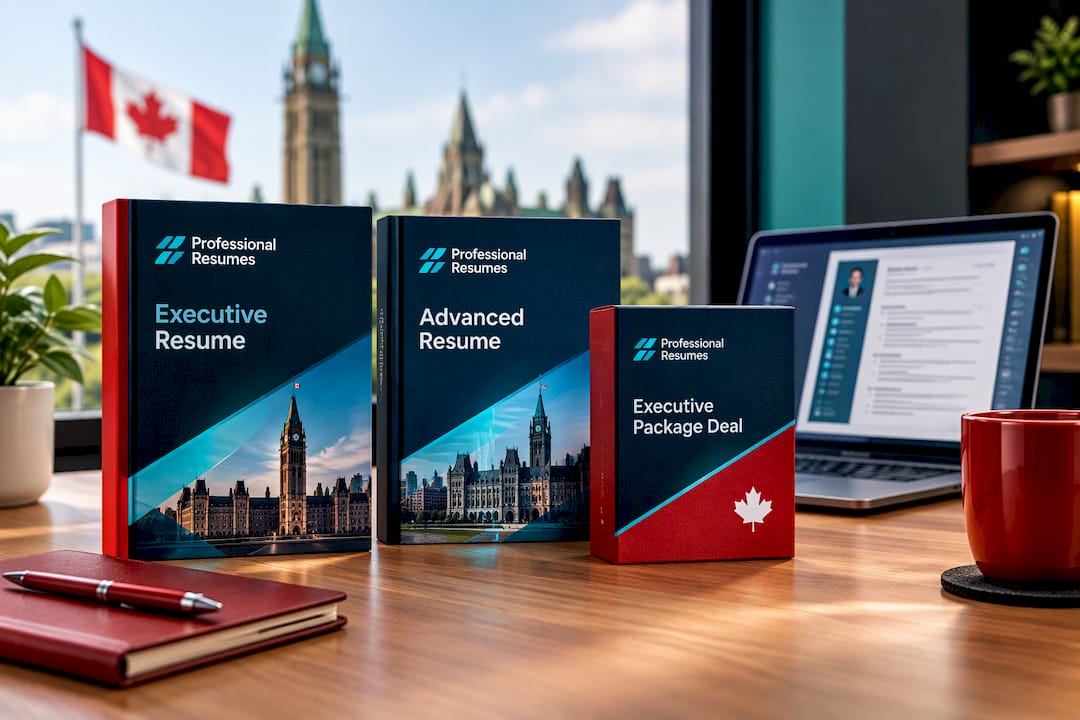
Our Advanced Resume suits mid-career applicants consolidating a complex work history into a screening-ready document, while our Executive Resume is built for senior leaders facing board-level scrutiny over their qualifications. For a senior search where your résumé, cover letter, and LinkedIn profile all need to tell the same story, the Executive Package Deal covers all three. Browse the full range, including our Early Career and Next Step Resumes, or start with a consultation to find the right fit for your application.
FAQ
How do you build a resume for a federal job?
Start by confirming your eligibility under the posting’s area of selection, then build your résumé around explicit evidence for every essential qualification, matching the exact wording from the posting. Prepare a plain-text version for GC Jobs paste-in, with dates in day, month, year format and no bullets or special characters.
Is it hard to get a federal government job in Canada?
Federal hiring runs on a strict merit-based process, so applications that miss the area of selection or fail to demonstrate an essential qualification are screened out before a human reviews them, regardless of overall experience. Meeting the published eligibility rules and mapping every qualification to a specific example are the decisive factors, according to Public Service Commission guidance.
What are three don’ts in resume writing for federal jobs?
Don’t leave an essential qualification unaddressed, since hiring managers will not infer skills from a job title alone. Don’t paste a formatted résumé directly into GC Jobs text boxes, since formatting breaks and creates errors. Don’t leave vague or missing dates, since these create gaps that complicate both screening and the security clearance process.
What is the best resume format for a federal job application?
The best format is a plain-text résumé built from the fields in the Priority Administration template, with no bullets, bold, or underlines, and dates written as day, month, year. This format survives the paste-in process into GC Jobs and the Priority Portal without losing structure.
How far back does federal security screening go?
Secret-level security clearance generally requires a continuous ten-year employment and residence history, with reliability-status timelines differing by clearance level, according to official guidance on the security clearance form. Gaps should be filled with schooling or clearly labelled unemployment periods rather than left blank.