
LinkedIn Creator Mode is no longer a setting you can switch on or off, so the choice between it and a regular profile no longer exists. LinkedIn removed the toggle and the profile topic hashtags and opened its creation tools and deeper analytics to all members. For a Canadian job seeker, the decision that matters now is different: how to build a profile that recruiters find, trust and act on, with or without a content strategy on top.
This guide explains what Creator Mode was, how it differed from a standard profile, what the old pros and cons mean today, and how executives, returning professionals and newcomers to Canada should set up their profiles for a job search.
TL;DR
- Creator Mode was a 2021 profile option that swapped Connect for Follow, added topic hashtags and highlighted a Featured section. LinkedIn later removed the separate toggle.
- Every member now gets creation tools and analytics without switching anything on, so there is no longer a Creator Mode profile versus a regular one.
- For a job search, the profile content decides results: a clear headline, a keyword-rich summary and experience section, a specific city and a complete profile.
- Executives, people returning after a gap and newcomers each need a different emphasis in the same profile structure.
- If you want the profile written to be found and read by recruiters, our LinkedIn profile optimization service is built for that.
Table of Contents
- What Creator Mode was
- Is Creator Mode still available in Canada?
- Creator Mode vs regular: the old pros and cons, read for today
- How to build a profile that works without Creator Mode
- Which setup fits your situation
- A worked example
- Our perspective
- Get the profile written for you
- FAQ
- Sources
What Creator Mode was
Creator Mode was a profile option LinkedIn introduced in 2021 for members who wanted to build an audience around the content they posted. According to Social Media Today’s report on its removal, it changed the main profile action to Follow instead of Connect, added hashtags describing the topics you covered, and gave you a Featured section to showcase posts, articles or links.
A regular profile worked the other way round. Connect stayed the main action, so someone who wanted to link with you sent a request that you accepted. That suited people whose goal was a network of known contacts: colleagues, clients, recruiters and hiring managers.
The practical difference was audience type:
| Creator Mode profile | Regular profile | |
|---|---|---|
| Main profile action | Follow | Connect |
| Topic hashtags under the headline | Yes | No |
| Featured section for showcasing content | Highlighted | Available, less prominent |
| Best suited to | Publishing regularly to an audience | Building a network of direct contacts |
Creator Mode also affected the layout. When it was on, the About section moved down the page, and when LinkedIn withdrew the option it returned the About section to the top of profiles. For job seekers, that detail mattered more than the follow button, because the About section is where a recruiter first reads your positioning.
Is Creator Mode still available in Canada?
No. LinkedIn applies its profile features across markets, and the toggle was removed for members generally rather than country by country. Its statement, quoted by Social Media Today, said the company was giving all members additional creation tools and deeper analytics and removing the need to switch Creator Mode on and off.
Two things follow from that for you:
- Guides that tell you to turn Creator Mode on are out of date. Several pages that still rank for this topic describe a setting you will not find.
- The useful features did not disappear. LinkedIn said the Follow option and creator tools such as sharing and analytics remain available beyond the old mode. The topic hashtags were the part that was dropped.
Menus on LinkedIn change often, so for the exact location of a tool, use LinkedIn’s own help pages and your profile’s settings rather than a screenshot from a blog.
Creator Mode vs regular: the old pros and cons, read for today
People searching for the pros and cons of Creator Mode are usually asking whether a creator-style profile helps or hurts a career. The original trade-offs are still a useful way to think, because they describe two different goals.
What the creator approach offered
- A lower barrier for readers. Follow lets someone subscribe to your posts without waiting for you to accept a request. For a person who publishes often, this widens reach.
- A showcase. The Featured section lets you pin the work you want a visitor to see first.
- Topic signals. Hashtags told visitors what you wrote about. They are gone, so your headline and summary now carry that signal.
What the regular approach offered
- A network built on relationships. Connections are mutual, which suits referral-driven hiring, and in senior searches the referral is often how a conversation starts.
- A profile read as a career record. A recruiter who lands on your page wants evidence of scope, progression and results before anything else.
What this means in a job search
The two were never competitors for a job seeker. A recruiter does not decide to call you because the main button says Follow. They call because the headline, the summary and the experience entries match the role they are filling. That is why the end of the toggle changes little for someone looking for work: the part of your profile that wins interviews was always the written content.
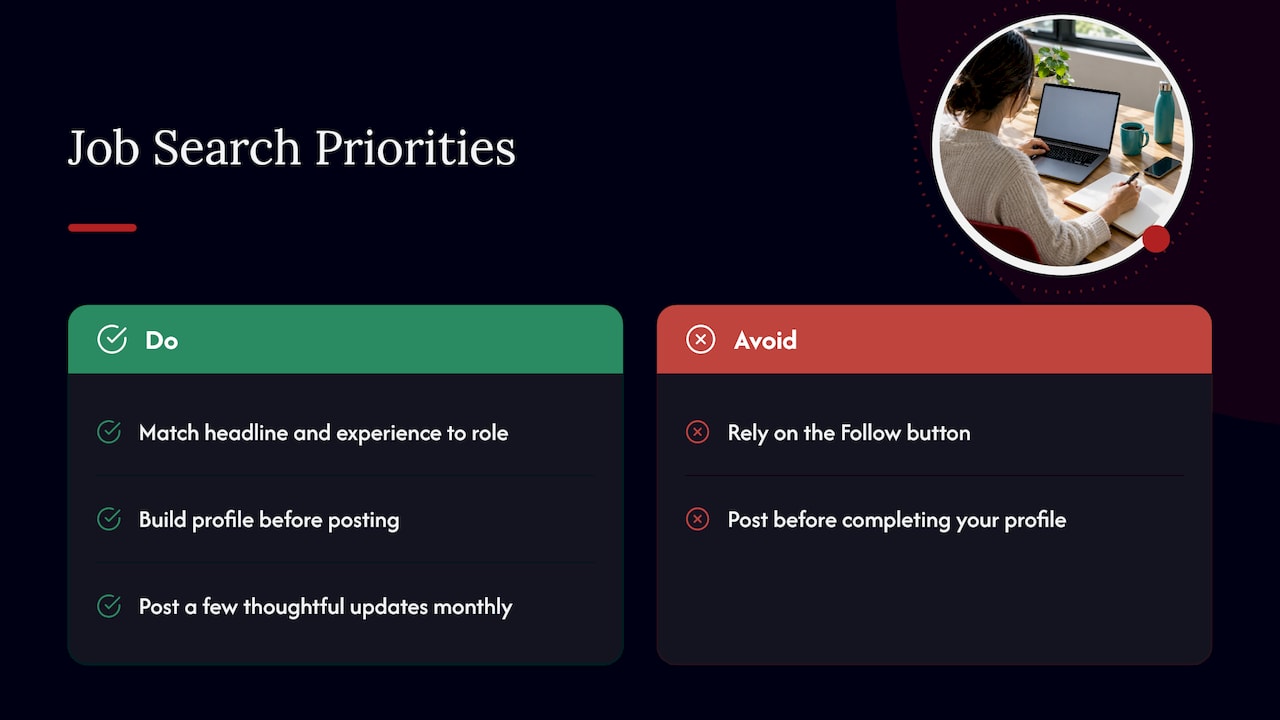
If you are asking whether you should use creator features at all, the answer depends on how much time you can commit. Posting a few thoughtful updates a month about your field can keep you visible to the people who will hire you, especially in a senior search. Posting without a complete profile behind it sends readers to a page that does not convert them. Build the profile first.
How to build a profile that works without Creator Mode
Canadian employers and universities publish consistent guidance on what a job-seeking profile needs. The elements below draw on it, and they apply whether or not you post content.
1. Complete the profile before you make it visible
The University of Toronto Mississauga Career Centre recommends completing your profile before making it visible to potential employers. It also notes that privacy settings let you control who sees your profile and its parts. Check these settings before you start outreach, particularly if you are searching while employed.
The same page lists the building blocks: a current profile, a professional photo, a clear headline and summary, relevant project details and recommendations.
2. Use the keywords recruiters search
Recruiters search by role terms, so the words in your headline, summary and experience decide whether you appear. The UTM Career Centre advises using role-relevant keywords in titles, summaries and experience to improve visibility in recruiter searches. Take the terms from job postings you want, and use the exact phrasing for your title and core skills. Our guide on LinkedIn keywords for jobs shows how to find them and where each belongs.
3. Write a headline that does the work of the old topic hashtags
With the hashtags gone, your headline is the line that tells a visitor who you are and what you do. Lead with the role you want, add your strongest specialty and one proof point. See our LinkedIn headline examples for formats you can test.
4. Treat the About section as your opening argument
Because the About section is back at the top of the profile, it is the first paragraph a recruiter reads. Write it in the first person, state your scope and results early, and close with what you are looking for. Our LinkedIn About section templates give a structure for each career stage.
5. Name a specific city
Deloitte Canada advises specifying a city rather than only “Canada”, because recruiters may search by city to narrow their candidate pools. The same page recommends listing credentials, career progression, language skills and, where it applies, your relocation intentions. In a country where the search for talent is often regional, this one line can decide whether you are shown.
6. Put the profile address on your resume
Your resume and your profile should tell one consistent story, and the recruiter should be able to move between them in one click. A short, customized address helps; see how to add and shorten your LinkedIn URL on a resume. If you also hand out printed material at networking events, a QR code for your profile link gets a contact to the page quickly.
Which setup fits your situation
The same structure works for everyone, but the emphasis differs.
Executives preparing for a C-suite search
At this level, a profile is read under board-level scrutiny, and often before a first call. It should state P&L ownership, transformation led and organizational outcomes in numbers, not duties. A Follow-style audience matters less than a precise narrative and a discreet, well-managed visibility setting, since many executive searches are confidential. Thoughtful posts on your sector can support a retained-search profile, but only after the page itself holds up. Our guide to LinkedIn for executives covers the high-impact version.
Professionals re-entering the job market after a gap
A gap is easier to handle in writing than in conversation. Use the headline and About section to state the work you are targeting, and list any recent learning, volunteering or project work as real entries. Switching on the Open to Work signal helps recruiters see that you are available; see how to set up Open to Work. Regular, modest activity, such as commenting on posts in your field, shows you are current without needing a creator strategy.
Newcomers adapting to the Canadian market
Canadian recruiters search by city and by terms used in Canadian job postings, so adapt your titles and describe credentials in language a local employer recognizes. Deloitte Canada advises candidates who are relocating to say which city they are open to opportunities in, and the same advice works if you are still abroad and planning your move. Add language skills, and make sure your resume and profile match. Our LinkedIn profile checklist for Canadian job seekers is a practical way to review each section.
Healthcare and public-sector candidates
Healthcare professionals should list licences and registrations clearly, and federal government applicants should keep the profile consistent with the formal application, since the two will be read side by side. Use the terminology of the job posting in both.
A worked example
Take a finance director in Mississauga searching for a VP role. Her profile headline reads “Finance Director”, her location says “Canada”, and her About section is empty because she kept Creator Mode’s old layout.
She makes four changes:
- The headline becomes “VP Finance | FP&A, M&A Integration, Public Company Reporting”, using the terms in the postings she wants.
- The location is set to Mississauga, so a recruiter searching the Greater Toronto Area can find her.
- The About section opens with the size of the business she supports and the results she delivered, then states the roles she is targeting.
- The Featured section holds one article she wrote on forecasting, instead of a long list of posts.
None of this required a creator toggle. It required a profile written for the person doing the searching.
Our perspective
We read a lot of profiles written for the wrong goal. Many people spent 2021 to 2023 worrying about whether to switch on Creator Mode, and the question distracted them from the part recruiters actually weigh: the headline, the About section and the experience entries.
Our approach is consultative. We work with you on what you want to be found for, ask about the scope and outcomes behind each role, and write the profile so that it matches your resume and reads clearly to a recruiter. Our documents are informed by industry trends and built with ATS-friendly formatting, and you work directly with your writer through consultations and revisions.
With the toggle gone, the profile is simply the profile. A well-written one is the foundation for any content you choose to publish later.
Professional
Get the profile written for you
If you would rather not spend evenings working out headline formats and keywords, our LinkedIn profile optimization service tailors your profile to your goals and industry, through a consultation and revisions with your writer. The service has no published price on our site.
A profile reads best next to a matching resume. Our resume packages are priced one-off on the resume shop page: Early Career Resume at $139, Next Step Resume at $189, Advanced Resume at $239, and the Executive Resume at $289.

FAQ
Should I use LinkedIn Creator Mode?
You cannot, because LinkedIn removed the toggle. The creation tools and analytics that came with it are now available to all members, so you can post and see how your content performs without changing a setting. Whether you post depends on your goals and available time, but a complete profile should come first.
What is the difference between Creator Mode and a regular profile?
Creator Mode made Follow the main profile action, added topic hashtags and highlighted a Featured section. A regular profile kept Connect as the main action. Since the removal, the separate versions no longer exist, and all profiles share the same set of tools.
What were the pros and cons of Creator Mode?
The advantages were an easier way for readers to follow you, topic signals and a showcase for your content. The trade-off was that it suited active publishers more than people building a network of direct contacts. Today the topic hashtags are gone and your headline and summary carry that message.
Does the Follow button still exist?
Yes. LinkedIn said Follow remains available as a profile action beyond the old mode. Check the settings and help pages on LinkedIn for how to configure it, since menu paths change.
Do I need to post content to get a job?
No. Recruiters find candidates mostly through profile searches, so keywords, a clear headline, a specific city and a complete profile matter most. Posting can add visibility once the profile is in place.
Sources
- LinkedIn’s Removing Its Creator Mode Option | Social Media Today
- Build your LinkedIn presence | Deloitte Canada
- Tips | Using LinkedIn | University of Toronto Mississauga Career Centre