
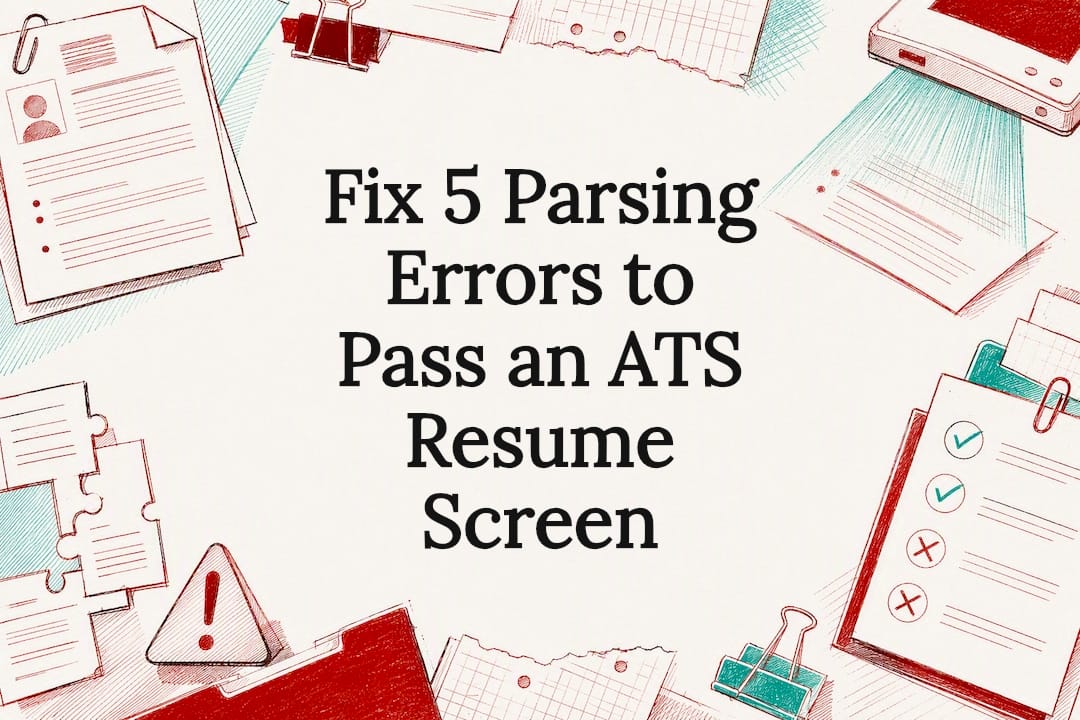
To pass an ATS resume screen, use a single-column layout, standard section headings, and a text-based .docx or PDF file, then match your language to the job description with keywords placed in context rather than listed in a block. Run two tests before you submit anything: paste your resume into a plain-text editor to see what survives, then run it through at least one ATS scanner. Fix anything the scanner flags before you touch tone or design.
TL;DR:
- Proper formatting with a single-column layout, standard fonts, and linear date formats ensures your resume is parsed correctly by ATS systems.
- Placing contact details in the main body and avoiding tables, images, or headers prevents key information from being skipped during parsing.
- Embedding relevant keywords in achievement bullets and using both full phrases and acronyms increases the likelihood of matching the job description accurately.
- Testing your resume in plain text and with ATS scanners helps identify formatting and keyword issues before submission, saving time and increasing interview chances.
- When formatting fixes fail to produce results, professional resume services can help with personalized, targeted optimization for difficult career pivots or executive roles.
Table of Contents
- What does it take to pass an ATS resume screen? Quick checklist
- Formatting rules that make or break parsing
- Keywords and content strategy: match the job without keyword stuffing
- How do I test if my resume passes ATS?
- Common parsing errors and concrete fixes with before/after guidance
- Why these steps work: evidence and expert notes
- Professional Resumes’ perspective: when to DIY and when to get professional help
- Services: Advanced Resume and Advanced Package Deal
- Sources
- FAQ
What does it take to pass an ATS resume screen? Quick checklist
An applicant tracking system does three things with your document: it parses the text, scores it against the job requisition, and stores it for a recruiter to search later. Every formatting decision below exists to protect that first step, because if parsing fails, nothing downstream matters.
Run through this before you submit:
- Layout: single-column, standard headings (“Experience,” “Education,” “Skills”), no tables or text boxes.
- Contact info: name, email, phone, and LinkedIn URL in the body, never in a header or footer.
- Font: 10 to 12 point, standard typeface, no decorative styles.
- File type: .docx by default; use a text-based PDF only if the employer specifically requests it.
- File name: something professional like “JaneSmith_Resume.docx,” not “Resume_final_v3.”
- Dates: written inline as “Jan 2023 to Mar 2026,” consistent across every entry.
- Bullets: plain round bullets (•), three to five per recent role, fewer for older ones.
- Testing: copy-paste your resume into a plain-text editor, then run it through at least one ATS scanner.
Each item on that list solves a specific parsing failure. The next two sections explain why, and how to catch the ones that slip past a quick glance.
Formatting rules that make or break parsing
Reading order is the single biggest variable in how an ATS interprets your resume, and it is entirely within your control. Parsers read documents the way a scanner reads a page: left to right, top to bottom, one column at a time. A resume built in a single column preserves that order perfectly. A resume built in a two-column layout, with your skills sidebar on the left and your work history on the right, often gets read out of sequence, jumbling a director-level job title with an unrelated bullet from your skills list. Controlled two-column templates can work if the underlying structure enforces reading order, but a single column remains the safer default for anyone who isn’t certain how their template behaves under the hood.
Tables, text boxes, embedded images, and headers or footers cause the same kind of damage. Many parsers skip header and footer regions entirely, which means a resume with your name and phone number sitting in the header can get scored as anonymous. Keep every piece of contact information in the main body of the document, and avoid decorative graphics, icons, or skill-rating bars that carry no machine-readable text.
Three practical rules cover most of what trips people up:
- Use Arial, Calibri, or Helvetica at 10 to 12 point for body text, since these render consistently across parsing engines, according to MIT’s Career Advising and Professional Development office.
- Keep margins between 0.5 and 1 inch. Tighter margins can cause text to wrap unpredictably when a parser reflows the document.
- Confirm your PDF is text-based, not a scanned image, by opening the file and trying to highlight and copy a line of text. If you can’t select it, re-export from Word or submit the .docx version instead.
Pro Tip: Bold and spacing still work in your favour. An ATS-safe resume doesn’t have to look bare. Bold your job titles and company names, use consistent spacing between sections, and keep the visual hierarchy clear for the human who eventually opens the file.
Keywords and content strategy: match the job without keyword stuffing
The fastest way to raise your match score is to mine the job posting itself, not a generic list of industry buzzwords. Read the description twice: once for the required qualifications, once for the exact phrasing the employer uses. Pull out job titles, named tools, methodologies, and required credentials, then sort them into a short mental list before you touch your resume.
Place those terms where they carry weight: your summary, your skills section, and your achievement bullets. A skills section that just lists “Project Management, Budgeting, Client Relations” tells an ATS you know the words. A bullet that reads “Managed a $2.1 million project budget across six client accounts” tells it, and the recruiter who reads it later, that you can prove it. UIC Career Services recommends embedding keywords directly into achievement statements rather than dropping them into an isolated block, and modern ATS scoring logic increasingly rewards that context over a raw keyword count.
A few habits protect you from both under-matching and over-matching:
- Use full phrases and their acronyms together at least once, such as “Search Engine Optimization (SEO),” so the resume matches however the parser is configured to search.
- Include both singular and plural forms where relevant. “Stakeholder” and “stakeholders” sometimes score differently depending on the system.
- Mirror the job posting’s job title language somewhere in your summary or most recent role, even if your actual title differs slightly.
- Quantify wherever you can. Numbers, percentages, and dollar figures make a bullet more credible to a human reader without changing its keyword value to a machine.
Never invent a skill or credential to chase a match score. The goal is small, honest edits tailored to each posting, not a rewrite that claims experience you don’t have. For software and technical roles especially, tool names and version numbers matter more than general descriptors, so specificity pays off twice: once with the parser, once with the hiring manager.
How do I test if my resume passes ATS?
Testing takes ten minutes and catches most of the damage before it costs you an interview.
- Copy everything and paste it into a plain-text editor like Notepad or a blank Google Doc with formatting stripped. Look for jumbled section order, missing contact details, merged words with no spaces, or entire blocks of text that vanished. This is the same rough approximation of what an ATS parser sees, and it’s free.
- Run your resume through at least one ATS scanner. Tools like Kickresume’s ATS checker simulate parsing behaviour and typically report back in three categories: parsing accuracy (did it extract your sections correctly), keyword match (how closely your language mirrors the job posting), and formatting flags (fonts, columns, graphics).
- Prioritize by severity, not by score. Fix parsing errors first, because a missing section or scrambled date range causes real information loss. Address keyword gaps second. Save tone and visual polish for last, since those only matter once a human actually opens the file.
Applicant tracking systems aren’t a niche concern anymore. About 99% of Fortune 500 companies use some form of ATS, and roughly 20% of smaller businesses do too, which means almost every application you send passes through a parser before a person sees it.
One caveat worth remembering: scanner scores vary by tool, and no scanner perfectly replicates every employer’s system. Chasing a 100% score on one checker can waste hours you’d spend better tailoring keywords to the next job posting. Treat scanners as diagnostic instruments, not final verdicts.
Common parsing errors and concrete fixes with before/after guidance
Most parsing failures trace back to a handful of repeat offenders, and each one has a fast fix.
- Tables and multi-column layouts: Flatten any table into single-column bullets. A three-column skills table becomes a simple bulleted list under one “Skills” heading.
- Header or footer contact information: Move your name, phone, email, and LinkedIn URL into the top of the document body. Delete the header and footer entirely if your template auto-generates one.
- Images, icons, and rating bars: Replace a five-star graphic showing “Excel proficiency” with the word “Advanced” or “Expert” next to the skill name in plain text.
- Inconsistent date formats: Standardize every date range to the same inline format, such as “Jan 2023 to Mar 2026,” rather than mixing “01/2023,” “January 2023,” and “Winter 2023” across different roles.
- Fancy or symbol-based bullets: Swap arrows, checkmarks, or custom glyphs for a plain round bullet (•). Some parsers render unusual symbols as broken characters or skip the line entirely.
Pro Tip: If you inherited a resume template with a sidebar or a two-column design, don’t just delete the sidebar content. Copy every line into the main body first, then remove the column structure, so nothing gets lost in the transition.
Run through this five-item list before every new application. It takes less time than tailoring your keywords, and it catches the errors that cause outright data loss rather than a lower match score.
Why these steps work: evidence and expert notes
None of this is guesswork stacked on convention. Career services offices and workplace-technology research have converged on the same conclusions for years, largely because the mechanics of text parsing haven’t changed much even as the systems around them have gotten more sophisticated.
“Ensure your resume is read by ATS” is the literal title of UIC Career Services’ guidance, and its central argument is direct: headers, footers, tables, and images are common failure points because parsers are built to read structured text rather than visual layout.
Columbia University’s Career Education office confirms how widespread these systems have become, with adoption near-universal among large employers and rising steadily among smaller ones. That scale is exactly why format discipline matters as much as content. A brilliant resume that a parser reads incorrectly never reaches the recruiter’s eyes in a form anyone can evaluate fairly. Meanwhile, the evidence on keyword strategy points the same direction: context beats density, and achievement bullets with real metrics tend to hold a recruiter’s attention longer once your resume clears the parsing stage.
Professional Resumes’ perspective: when to DIY and when to get professional help
Most of what breaks a resume in an ATS is fixable in an afternoon with the checklist above. Tables, header placement, font choice, date formatting. None of that requires outside help, and we’d rather see you fix it yourself than pay someone to change your font.
Where a paid rewrite earns its cost is different: a career pivot where your old titles don’t map to the new target role, an executive search where board-level language and P&L framing need precision you can’t easily self-edit, or a pattern of rejections despite a clean, ATS-tested resume that suggests the positioning itself, not the formatting, is the problem. Professional Resumes builds customized, ATS-compliant documents through direct consultation and multiple revision rounds, specifically for those harder cases where a template and a checklist aren’t enough.
— Professional
Services: Advanced Resume and Advanced Package Deal
If you’ve run the checklist, fixed the parsing errors, tailored your keywords, and you’re still not landing interviews, the problem usually isn’t formatting anymore. It’s positioning, and that’s where a second set of trained eyes changes the outcome. Resume writing services build every document around ATS-compliance rules, then go further with language and structure tuned to specific target roles.
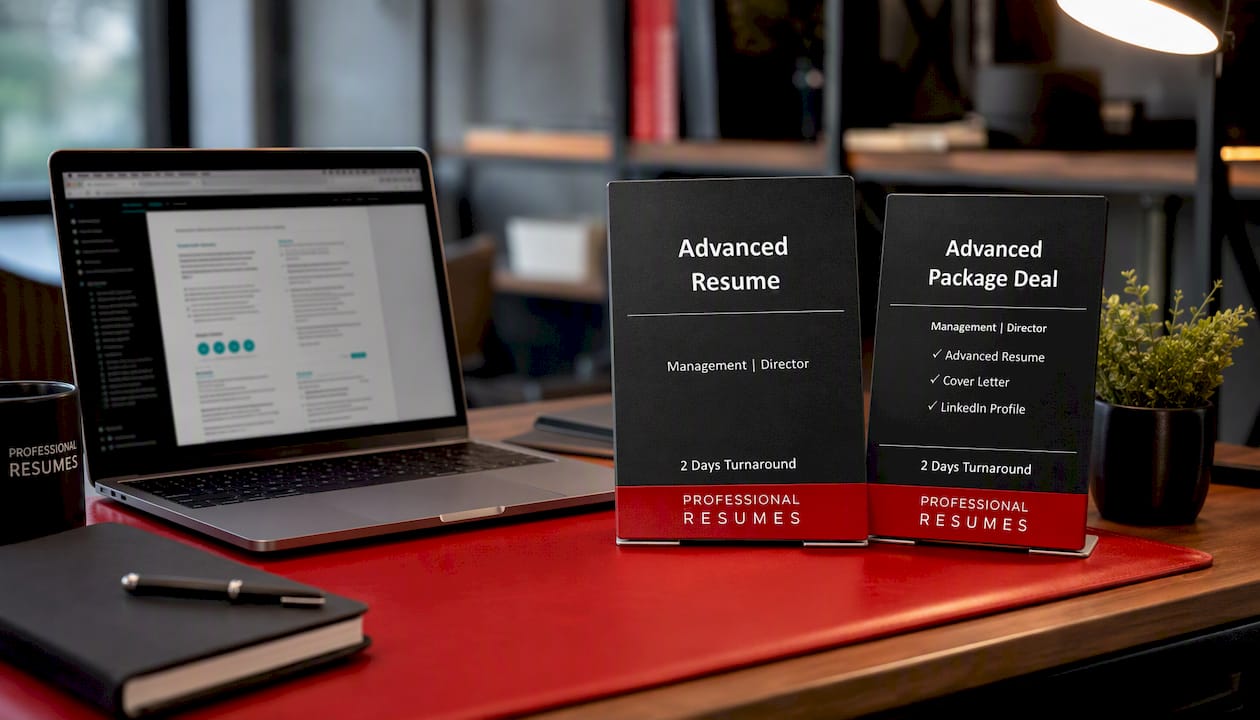
The Advanced Resume service is built for job seekers who need a fully customized, ATS-friendly resume with direct consultation and revision rounds, useful for career changers, professionals re-entering the workforce, or anyone whose current resume simply isn’t converting into interviews. The Advanced Package Deal bundles that resume work with a matching cover letter and LinkedIn profile optimization, giving you consistent, keyword-aligned language across every touchpoint a recruiter or hiring manager might check. Both are built through consultation, not a one-size template, which means the keyword strategy from earlier in this article gets applied to your actual career history rather than a generic example. If your resume keeps clearing the scanner but not the interview list, book a consultation and get a document built for your specific target roles.
Sources
- Optimizing Your Resume for Applicant Tracking Systems | Columbia Career Education
- Make your resume ATS friendly | MIT CAPD
- Ensure your resume is read by ATS | UIC Career Services
- ATS-friendly resume format checklist (2026) | ATSgrader
FAQ
How do I make a resume that passes ATS?
Use a single-column layout with standard headings, keep contact details in the body rather than a header, choose a common font at 10 to 12 point, and match your keywords to the job description in context. Then run the copy-paste test and at least one scanner before submitting.
Where can I find a free ATS test for my resume?
Free options include Kickresume’s ATS resume checker, which simulates parsing and flags formatting and keyword issues, though results vary between tools, so treat any single score as a diagnostic signal rather than a final verdict.
How do I know if my resume is readable by ATS?
Copy your entire resume and paste it into a plain-text editor with no formatting. If the text stays in the right order, your contact details appear, and nothing merges into unreadable strings, your layout is likely parsing correctly.
What is an ATS score, and what counts as good?
An ATS score, as reported by most scanning tools, typically reflects how well your resume’s structure and keywords match a specific job posting, usually broken into parsing accuracy, keyword match, and formatting flags. There’s no single universal threshold, since scoring methods differ by tool, so prioritize fixing flagged parsing errors and keyword gaps over chasing a specific number.