
Name your resume file with your first and last name plus the word “Resume”, separated by a hyphen or underscore, and save it as a PDF unless the employer asks for another format. A file called Jane_Doe_Resume.pdf tells a recruiter who sent it and what it is before they open it. A file called resume.doc tells them nothing, and it will sit among dozens of identical names in their downloads folder.
This guide covers the exact format, what to leave out, how to adapt the name for a specific role, how to name the cover letter that travels with it, and where the file name stops mattering and the document itself takes over.
TL;DR
- Use your first name, last name and the document type: Jane-Resume or Jane_Doe_Resume.pdf.
- Add the job title only when it helps, for example Jane-Administrative Assistant Resume.
- Pick one separator, a hyphen or an underscore, and avoid special characters such as #, $ and %.
- Follow the employer’s instructions on file name and file type before any general rule.
- Give the cover letter the same pattern, so the two documents arrive as a matched pair.
Table of Contents
- Why the file name matters
- The format that works
- Separators, characters and capitalization
- Adding the job title or a reference number
- Follow the employer’s instructions first
- PDF or DOCX: choosing the file type
- What the file name does and does not do for applicant tracking systems
- Naming the cover letter and other documents
- Worked examples: right and wrong
- A short checklist before you attach the file
- Our perspective
- Get the document right, then name it well
- Frequently asked questions
- Sources
Why the file name matters
A hiring manager or recruiter often downloads your resume before reading it. The file name is the first thing they see, in an email attachment list, a downloads folder or an applicant system export. When a posting draws hundreds of applications, a clear name makes your document easy to find again when the shortlist is being built.
The file name does not decide whether you are hired, and it will not rescue a weak document. What it does is remove a small, avoidable friction. A name that is generic, cluttered or inconsistent signals that the application was assembled in a hurry. A clean one signals the opposite, and it costs you thirty seconds.
There is also a practical risk. Many people save every version as “Resume” or “Resume final”. Recruiters download dozens of such files, and the system or the computer will append numbers such as (1) and (2). Your name in the file keeps your document identifiable.
The format that works
The guidance published for Canadian job seekers is consistent: use your first and last name and the document type, for example Jane-Resume. The document type can come before or after your name. Examples given there include Jane-Resume and Jamie-Moran.pdf.
A university career service in Toronto gives the same direction for emailed applications: attach PDFs whose file names contain your name, with examples such as Greenwood_resume.pdf and saidler_alex_resume.pdf.
Put together, a reliable default looks like this:
| Pattern | Example | When to use it |
|---|---|---|
| FirstName_LastName_Resume | Priya_Sharma_Resume.pdf | Your default for almost every application |
| FirstName-LastName-Resume | Priya-Sharma-Resume.pdf | Same, with hyphens instead of underscores |
| LastName_FirstName_Resume | Sharma_Priya_Resume.pdf | When an employer or school asks for surname first |
| FirstName_LastName_Resume_JobTitle | Priya_Sharma_Resume_Project_Manager.pdf | When you apply to several roles at one employer or through a recruiter |
The first and last name are the essential part. Using both avoids confusion with another applicant who shares your first name, and it makes the file searchable by surname, which is how most hiring teams look for a document.
Separators, characters and capitalization
The published advice is to use an underscore or a hyphen, and to use it consistently. Spaces may be altered when the file is uploaded or sent, so a file that reads clearly on your computer can arrive as something with odd characters in it. Replacing spaces with a hyphen or underscore removes the risk.
The same guidance says to avoid:
- special characters such as #, $ and %
- all capital letters
- abbreviations
- prefixes or suffixes added to your name
In practice, this means letters, a separator and the file extension. Priya_Sharma_Resume.pdf is safe. PRIYA SHARMA RESUME #2 (final).pdf is not.
On capitalization, start each word with a capital letter and keep the rest lowercase. It reads as deliberate and remains legible when the separators are stripped out.
Avoid version labels
You will probably keep several drafts, and it is tempting to leave “v3” or “final” in the name. Keep those labels in your own folder, and rename the file before you send it. A recruiter who sees “final_v3” learns that you have been through at least two earlier versions, which is information they do not need. A simple habit helps: keep a working file with version numbers, then export a clean copy with the submission name.
Adding the job title or a reference number
A name-only file is correct for most applications. Adding the role is useful in a few situations: you are applying to more than one position at the same employer, a recruiter is handling several searches, or the posting asks for a reference number. The published example is your name, job title and document type, such as Jane-Administrative Assistant Resume.doc.
Two points keep this from going wrong:
- Keep it short. A name with a long title and a reference number becomes hard to read and may be cut off in an email client. Priya_Sharma_Resume_Project_Manager.pdf is fine. A full job posting title is not.
- Use the employer’s wording. If the posting says “Project Coordinator”, do not name the file for “Project Manager”. The file name should match the role you are applying for.
If the posting gives a job ID and asks you to include it, add it at the end: Priya_Sharma_Resume_12345.pdf. When an employer sets a requirement, that requirement replaces any general rule, including the ones in this article.
Follow the employer’s instructions first
The same Canadian guidance says that if the job description sets requirements for file naming, you follow them. If it gives none, use a short name with your first and last name and the document type, rather than a generic name such as resume.doc.
Government postings and large organizations are the most likely to specify a format. If you are applying to a public sector role, read the application instructions line by line before you save the file. Our guide to tailoring your resume for Ontario government applications covers how those postings are structured and what screeners look for.
PDF or DOCX: choosing the file type
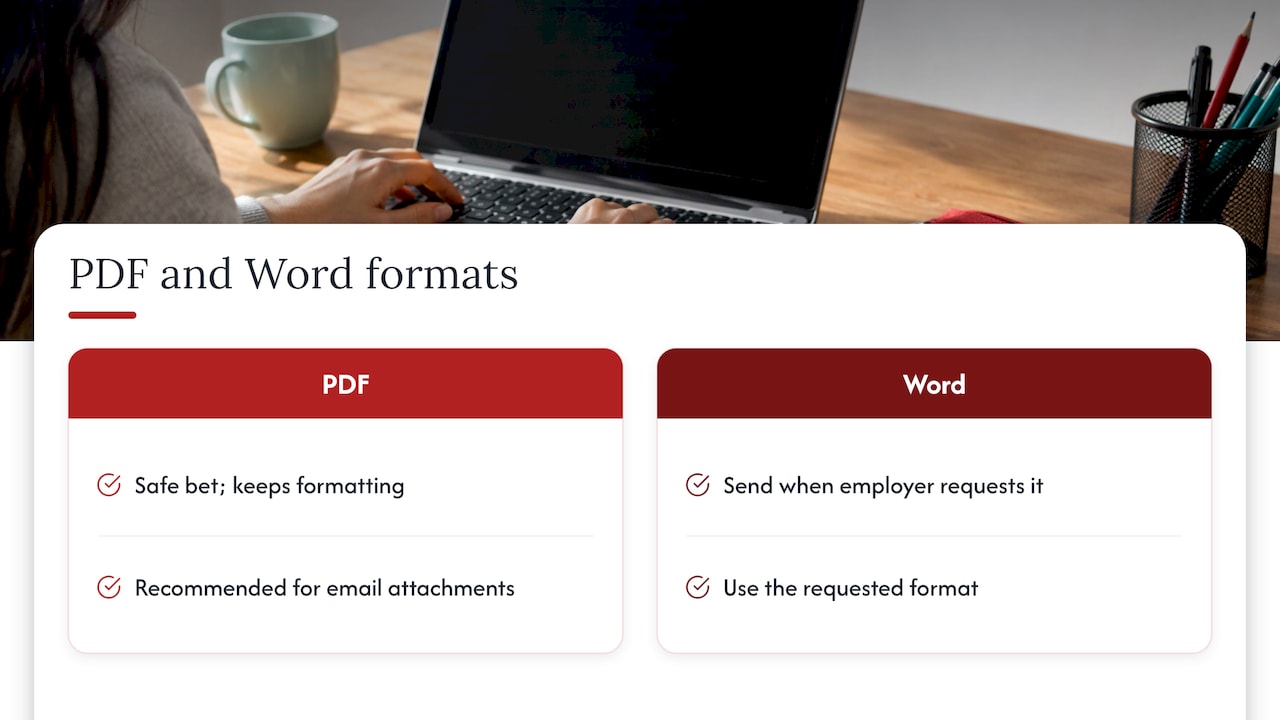
The file extension is part of the file name, so the choice belongs here. The standard advice is that PDF is a safe bet because it keeps your formatting, but the employer’s requested format comes first. A Toronto university career service likewise recommends PDFs for emailed attachments and tells applicants to follow the employer’s instructions.
The Government of Alberta’s career service gives practical direction on formats: use standard word-processing software or export the document to PDF, and ask the employer when you are unsure. It also advises against password-protecting the document you submit.
If the employer asks for a Word document, send a Word document. Substituting a PDF when another format was requested can cause problems, because the choice should follow the platform and the employer’s preference. Use the same naming pattern either way: Priya_Sharma_Resume.docx.
We compare both formats in more detail, including email, applicant tracking systems and recruiters, in our guide to PDF versus Word resumes.
What the file name does and does not do for applicant tracking systems
Many candidates worry that the file name is a keyword field that an applicant tracking system reads. The Canadian sources we reviewed do not say that. What they do say concerns the content and layout of the document.
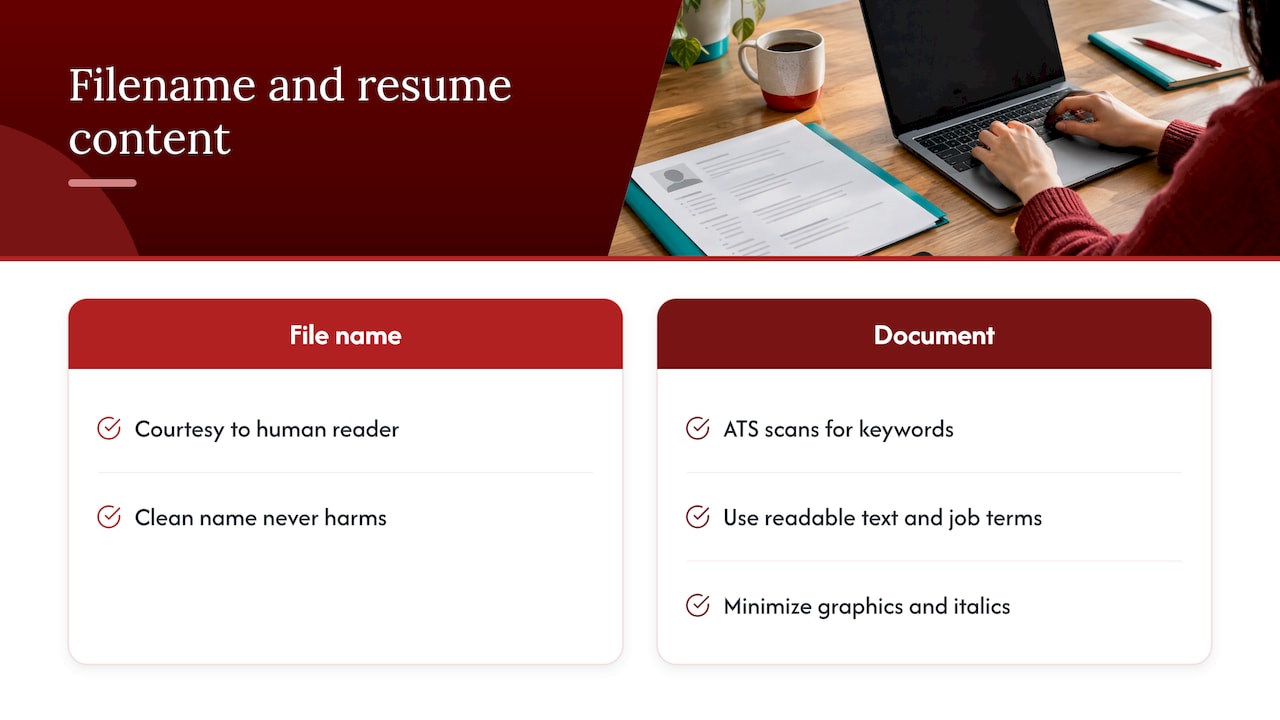
A Canadian university career guide explains that ATS software scans resumes, strips formatting and searches for keywords chosen by the recruiter. The guidance is to use readable text and the terminology from the job posting. That is where your effort should go.
Alberta’s career service adds that employers may upload or scan resumes into applicant tracking systems, so underlines, graphics and italics should be kept to a minimum. For text-based online forms, formatting may be lost, and a plain-text version may be needed with no graphics, tables, columns, text boxes, bold, underlining or italics.
The sensible approach is to treat the file name as a courtesy to the human reader and the content as the part that is parsed. A clean name never harms you, and the work that moves your application forward is in the document: structure, wording and fonts. Two of our guides cover those points: ATS-friendly resumes for Canadian job seekers and the fonts that read cleanly in screening software. If you are choosing between two common typefaces, see Calibri versus Arial on a Canadian resume.
Naming the cover letter and other documents
Use the same convention for every document in the package. The cover letter can follow the pattern FirstName_LastName_CoverLetter, and the two files then sort next to each other in a folder and read as a set.
When you apply by email, a Toronto university career service suggests attaching the resume and cover letter, naming both with your name, and stating the position in the email body. That approach lets you keep the file names short and put the role where the reader expects to find it.
A complete set for a single application might look like this:
- Priya_Sharma_Resume.pdf
- Priya_Sharma_CoverLetter.pdf
- Priya_Sharma_References.pdf (only if the employer requests references)
For roles where you are asked to send a portfolio or writing sample, keep the same first part of the name and change only the last word. Creative applicants should also read our guides on modern resumes for creative and design jobs and creative resumes for design and art careers, because a visual document needs extra care when it is exported.
Worked examples: right and wrong
| File name | Verdict | Reason |
|---|---|---|
| resume.doc | Replace | Generic, identical to every other applicant’s |
| Resume_final_v3_NEW.pdf | Replace | Version labels and no name |
| PRIYA SHARMA RESUME #2.pdf | Replace | All capitals, spaces and a special character |
| PS_Res.pdf | Replace | Abbreviations, unclear to the reader |
| Priya_Sharma_Resume.pdf | Use | Name, document type, clean separators |
| Priya-Sharma-Resume-Project-Manager.pdf | Use | Adds the role, still short and consistent |
| Sharma_Priya_Resume.pdf | Use when asked | Surname first, matches some employer filing systems |
You can see the pattern in the table: every acceptable name has your full name, the word Resume and nothing else of consequence.
A short checklist before you attach the file
- Open the posting and look for any instruction on file name, format or size.
- Rename the file with your first name, last name and document type.
- Replace spaces with a hyphen or underscore, and use only one of them.
- Remove version labels, brackets, special characters and abbreviations.
- Save or export as PDF unless another format was requested.
- Open the file once more from the folder to confirm the content, fonts and page breaks are intact.
- Name the cover letter with the same pattern, and attach both.
The last step is worth the minute. A correct name on a document with a broken layout does not help you, and the check takes less time than the other steps.
There is a wider concern worth noting for anyone building a file naming habit across a job search: a consistent convention is the same discipline used for resume filename conventions in any professional setting, where documents are retrieved by name long after they were sent.
Our perspective
We read a great many applications from the writer’s side of the desk, and the pattern is consistent: candidates spend weeks on the content of a resume and thirty seconds on the way it arrives. Both matter, and the second is the easier of the two to fix.
Our position is straightforward. The file name should be unremarkable. It should carry your name and the document type, nothing more, so that the reader’s attention goes to the page itself. For executives, where discretion and polish are expected at every step, an inconsistent package, one with a mismatched resume and cover letter name, undermines the impression the content is built to make.
This is why the documents we prepare are designed as a coordinated package: a resume, a cover letter and a LinkedIn profile that tell the same story in the same register. Working directly with your writer, you receive documents built for the roles you are targeting, and the clean file naming described above is the finishing step that keeps the package consistent when it reaches a recruiter or a hiring committee.
The name is a small detail, and small details are where careful candidates separate themselves from hurried ones.
Professional
Get the document right, then name it well
A well-named file only helps if the document inside earns the interview. Our resume packages are written to your career goals and your industry, with consultation and revisions built in. Current published prices are $139 for the Early Career Resume, $189 for the Next Step Resume, $239 for the Advanced Resume and $289 for the Executive Resume, each a one-off fee.

You can compare the options on our resume services page, or start with the Early Career Resume or the Advanced Resume. If your search extends to recruiters who look at your profile before they open your file, our LinkedIn profile optimization service keeps the profile in line with the resume. If you want the layout itself kept clean, start with our guide to a simple resume format for Canada.
Frequently asked questions
What is the best name for a resume file?
Use your first and last name followed by the document type, such as Priya_Sharma_Resume.pdf. Add the job title only if you are applying for several roles with one employer or the employer asks for it. Keep the name short and consistent, and follow any instruction in the posting.
Should I use spaces, hyphens or underscores?
Choose a hyphen or an underscore and use it throughout. Spaces may be altered when a file is uploaded or sent, so they are the least reliable option. Avoid special characters such as #, $ and %, and avoid writing the name in all capitals.
Is a PDF or a DOCX better for a resume?
PDF is the usual safe choice because it keeps your formatting, particularly for emailed applications. If the employer or the application platform asks for a Word document or another format, submit that format instead. When the posting does not say, ask the employer.
Should the cover letter have the same file name format?
Yes. Use the same pattern, for example Priya_Sharma_CoverLetter.pdf, so the two documents match and sort together. When you email an application, state the position in the email body, which lets you keep the file names short.
Does the file name affect applicant tracking systems?
The sources we reviewed place the emphasis on the content of the resume: readable text, a simple layout and keywords from the posting. A clear file name helps the people who handle your application, and the document’s content does the work in screening software.
Sources
- Complete Guide: How to Name a Resume File and Cover Letter
- Emailing Your Application, Toronto Metropolitan University
- How to Send Your Resumé Package in Multiple Formats, alis
- What Kind of File Should Your Resume Be?
- Career and Employment Tips: Resumes and Applicant Tracking Systems, Mount Royal University