
The highest-performing LinkedIn headline follows a simple structure: target role, two or three key skills, and the value or outcome you deliver, separated by vertical bars. This format gives recruiters a clear match for search terms while stating your worth in one glance, which drives stronger profile growth than a role-only line. The examples below show exactly how to adapt it.
TL;DR:
- Using a targeted headline that includes your role, key skills, and measurable results increases visibility and relevance in recruiter searches.
- Prioritize clarity by explicitly stating your role, mirror exact keywords from job postings, and highlight specific impact rather than generic duties.
- Choose headline formulas based on your career stage and goal, such as role plus impact for mid-level professionals or transferables for career changers.
- Avoid generic phrases, keyword stuffing, emojis, and listing job-seeking status directly in the headline; instead, leverage LinkedIn’s “Open to Work” feature.
- Regularly test and refine your headline by changing one element at a time and monitoring profile views and recruiter responses.
Table of Contents
- What makes a great LinkedIn headline
- Headline formulas and templates you can adapt
- Practical headline examples by role and situation
- What to avoid: headline mistakes that reduce visibility or credibility
- Checklist and quick testing routine
- When to hire a professional vs DIY
- Our LinkedIn profile optimization service
- FAQ
- Sources
- Useful sources and further reading
What makes a great LinkedIn headline
A headline earns its place at the top of your profile by doing three jobs at once: naming who you are, signalling what you know, and proving what you deliver. Recruiters scan dozens of profiles in a short window, and a headline that reads like a job title alone gives them nothing to act on.
The strongest headlines share a few traits. Clarity matters first: state your role or the audience you serve in plain terms, not internal jargon. Keywords matter next: mirror the exact phrasing used in job postings for the role you want, since that phrasing is what recruiter search strings are built on. Value matters most: name a result, not just a function, so the reader understands what changes when they hire you.
Tone and placement finish the job:
- Keep the voice professional and specific rather than stacking adjectives or hashtags.
- Put your most important words first, since LinkedIn search and mobile previews often truncate the rest.
- Avoid comma-separated keyword piles; a short phrase in context reads better to both people and search algorithms.
- Match the headline to one target role rather than trying to cover several unrelated ones at once.
Headline formulas and templates you can adapt
Most effective headlines follow one of a handful of repeatable patterns. Pick the one that fits your situation, then plug in your own role, skills, and outcome.
- Role | Skill stack | Value: “Senior Financial Analyst | FP&A, Forecasting, Power BI | Cutting reporting cycles from weeks to days.” This works when your title alone carries weight and you want to add proof of impact.
- I help X do Y: “I help early-stage startups build hiring processes that scale.” This pattern, highlighted as especially effective for freelancers and consultants, answers who you serve and what changes for them in one breath.
- Role, specialising in X for Y: “Marketing Manager, specialising in demand generation for B2B SaaS.” Use this when your niche, not your title, is what sets you apart.
- Career changer: target role + transferable skill + outcome: “Aspiring Product Manager | Former teacher, 8 years leading cross-functional teams | Building products people actually use.” This reframes past experience as proof you already have the core skill.
- Student or new grad: degree + skill + direction: “Computer Science Grad | Python, SQL, Machine Learning | Seeking entry-level data roles.”
Pro Tip: Lead with role when your title is in-demand and well recognized, lead with value when your title is vague or undervalued, and lead with skills when you are pivoting into a field where your title does not yet match your target.
Practical headline examples by role and situation
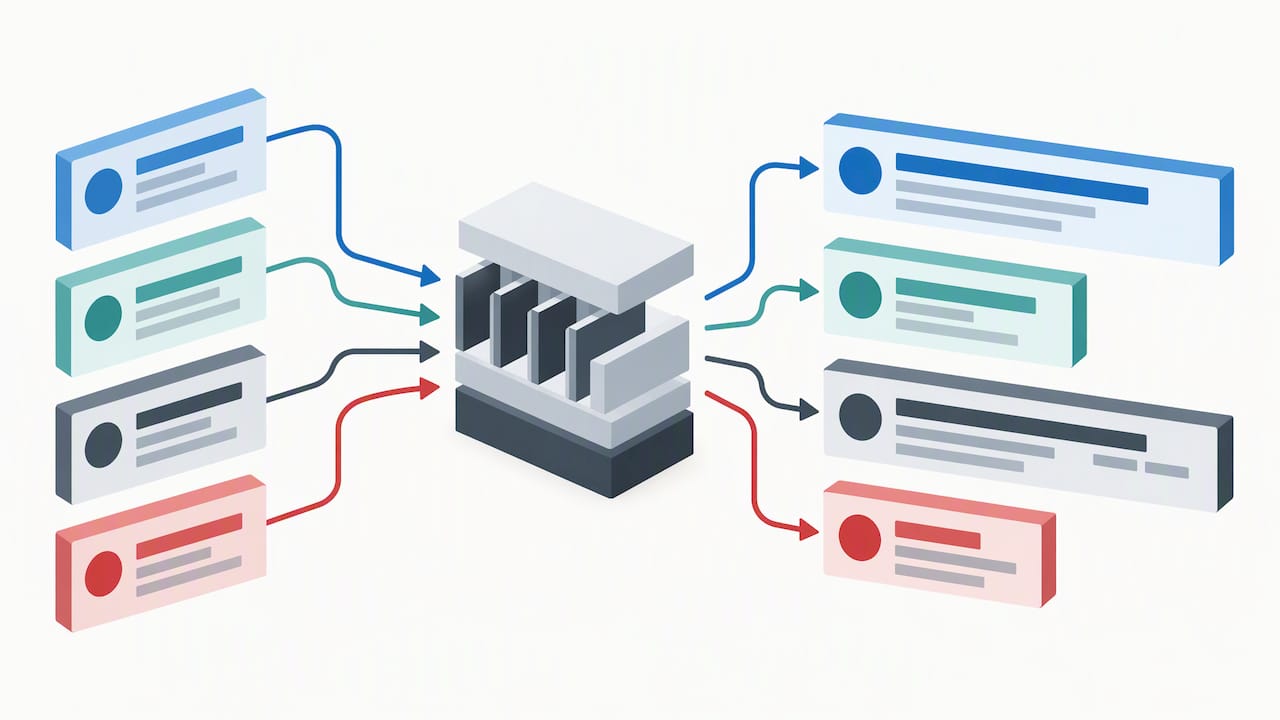
These are ready to copy and adjust. Swap in your own skills, industry, and numbers where they apply.
Mid-level professionals
- “Project Manager | Agile, Stakeholder Management, Budget Oversight | Delivering projects on time and under budget.” Follows the Role | Skills | Value formula, with the outcome doing the heavy lifting.
- “HR Business Partner | Talent Strategy, Employee Relations | Reducing turnover through better onboarding.” Names a specific, measurable-sounding result rather than a generic duty.
Senior and executive professionals
- “VP of Operations | Supply Chain, P&L Ownership, Transformation Led | Scaling operations across three continents.” Works because executive searches reward specificity about scope and ownership, a point worth weighing alongside personal branding strategies for senior leaders.
- “Chief Marketing Officer | Brand Strategy, Demand Gen, Board Reporting | Growing revenue through data-led campaigns.” Signals board-level fluency without listing every responsibility.
Students and recent graduates
- “Marketing Student | Social Media, Content Strategy, Analytics | Seeking internship opportunities in consumer brands.” Compensates for limited experience with clear direction.
- “Engineering Graduate | CAD, Thermodynamics, Project Design | Ready to contribute to sustainable infrastructure projects.” States interest area, which narrows recruiter search relevance.
Career changers
- “Transitioning to UX Design | Former Nurse, 10 Years Patient-Centred Problem Solving | Designing with empathy.” Reframes an unrelated background as a direct asset, a technique covered further in guidance on refreshing a resume for a mid-career shift.
- “Aspiring Data Analyst | Excel, SQL, Former Retail Manager | Turning operational experience into data-driven decisions.”
Freelancers and consultants
- “I help small businesses fix cash flow problems before they become crises.” Pure I-help-X-do-Y, no title required.
- “Freelance Copywriter | E-commerce, Email Marketing | Writing copy that converts browsers into buyers.”
Technical roles
- “Backend Developer | Python, Django, AWS | Building scalable APIs for fintech products.” Technical keyword precision matters here, an approach detailed in resume tips for software industry roles.
- “DevOps Engineer | CI/CD, Kubernetes, Terraform | Cutting deployment time from days to hours.”
Creative roles
- “Graphic Designer | Branding, Illustration, Adobe Creative Suite | Helping startups build visual identities that stick.”
Managers
- “Operations Manager | Process Improvement, Team Leadership | Reducing waste and improving on-time delivery.”
What to avoid: headline mistakes that reduce visibility or credibility
A headline that just says “Seeking new opportunities” wastes the most valuable text on your profile and tells recruiters nothing about what you offer. A value-led line outperforms it every time.
- Fix a generic job title (such as plain “Manager”) by naming your specialty and the outcome you drive, since competitive roles need differentiation, not a label.
- Fix keyword piles (“Leadership, Sales, Marketing, Finance, Strategy”) by rewriting them into a phrase with context, since disconnected buzzword stacks read worse to both people and search matching than a readable sentence fragment.
- Fix emoji clutter by removing it entirely in professional and corporate fields, where it undercuts credibility.
- Fix “Seeking Work” text by switching to LinkedIn’s official “Open to Work” profile feature instead, which signals availability without spending headline characters.
Checklist and quick testing routine
Treat your headline as a living element you test, not a line you set once and forget.
- Pick one target role and write it in the exact words used in job postings.
- Pull three to five keywords from three active job ads for that role.
- Apply one formula from the templates above and place the strongest words first.
- Use LinkedIn’s “Open to Work” feature rather than spelling out your job search in the headline itself.
- Publish, then track profile views and recruiter messages for a few weeks before changing anything else.
| Step | Action | What to measure |
|---|---|---|
| 1 | Draft headline using a formula | None yet, this is set up |
| 2 | Publish and wait | Baseline profile views |
| 3 | Monitor for 2 to 4 weeks | Profile views, recruiter messages |
| 4 | Swap one variable (role, skill, or value phrase) | Change in views and messages versus baseline |
For readers who want a second set of eyes on keyword choices and message alignment, our LinkedIn profile optimization service and packages such as the Executive Resume and Advanced Resume build this testing logic into the writing process from the start.
When to hire a professional vs DIY
A DIY headline works well for most early and mid-career searches. Consider bringing in outside help when strong experience is not converting into interviews, when you are navigating a complex pivot across industries, or when you are running an executive-level search where board-level scrutiny raises the stakes on every word. Professional input adds structured keyword research and messaging precision that is hard to self-assess.
— Professional
Our LinkedIn profile optimization service
We build LinkedIn headlines and full profiles around the same keyword research and messaging alignment we use in resume writing, so your headline, resume, and summary tell one consistent story to recruiters. For executive searches, our Executive Resume and Executive Package Deal pair resume strategy with LinkedIn messaging built for board-level scrutiny, while our Advanced Resume supports professionals targeting competitive mid-to-senior roles.
Working directly with your writer, we extract keywords from the postings you are targeting and translate them into a headline that reads naturally rather than like a list. If you want a faster first draft to work from, tools like the LinkedIn Profile Generator from AmmarAI can help you sketch options before refining them with us. Browse our full range of resume packages on our shop page or start with a LinkedIn profile optimization review today.
FAQ
What is a good headline for LinkedIn?
A good headline names your target role, includes two or three keywords that match the job postings you want to appear in, and states a clear outcome or value you deliver. The format [target role] | [skills] | [value] covers all three in one line.
What is an example of a profile headline?
“Senior Financial Analyst | FP&A, Forecasting, Power BI | Cutting reporting cycles from weeks to days” is one working example. It names the role, lists relevant skills, and closes with a measurable-sounding result.
What are some headline examples?
Examples include “I help small businesses fix cash flow problems before they become crises” for consultants, “Backend Developer | Python, Django, AWS | Building scalable APIs for fintech products” for technical roles, and “Transitioning to UX Design | Former Nurse, 10 Years Patient-Centred Problem Solving | Designing with empathy” for career changers.
What should I avoid in my LinkedIn headline?
Avoid generic phrases like “Seeking new opportunities,” long comma-separated keyword piles, and emojis in professional fields, since all three reduce clarity and credibility. Use LinkedIn’s official “Open to Work” feature instead of writing your job search status directly into the headline text.
Useful sources and further reading
See the Forbes piece on headline formats below, plus our own LinkedIn optimization and resume pages for direct help.